Keyword research (RankForged basics)
Beginner · 2 min read
Keywords are the words readers type into Amazon. This guide shows you how to run a keyword search in RankForged and how to read demand against competition in the results.
Daily keyword searches: Free 3 a day, Starter 20, Pro 20, Autopilot 100. New accounts get Pro limits for 7 days.
1.Open Keyword Search
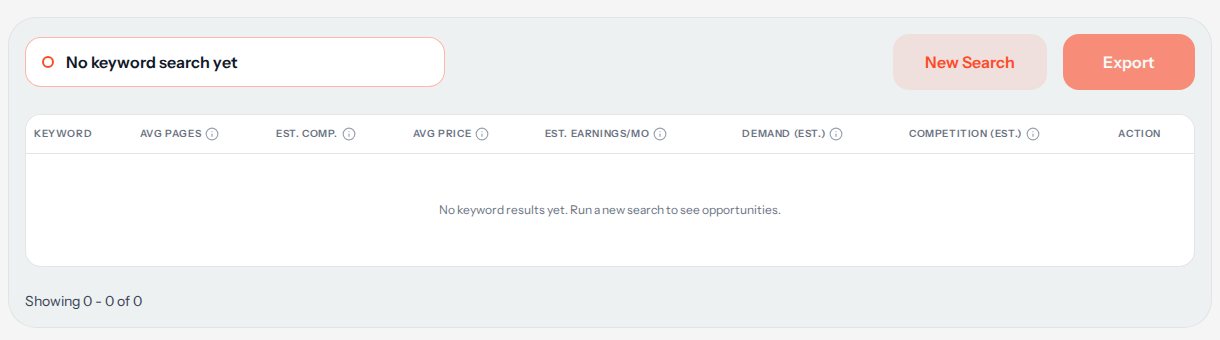
Sign in and choose Keyword Search in the left menu. The results table is empty until you run your first search.
2.Run a search
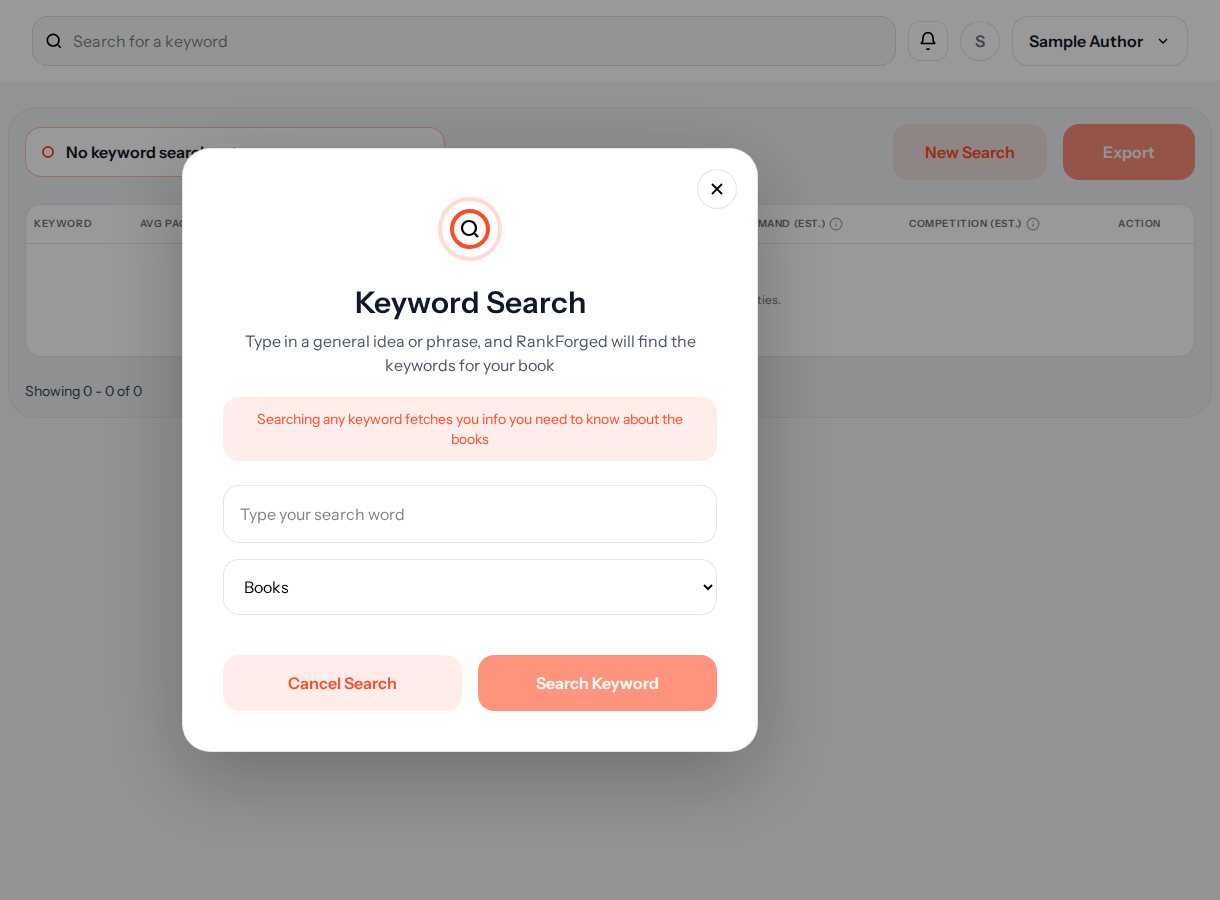
Click New Search, type a general idea or phrase, for example "gratitude journal", and run it. RankForged finds the keywords for your book. Each search counts as one of your daily keyword searches.
3.Let the top rows load
The top 10 keywords fill in their details by themselves, and this does not use extra searches. Rows after the top 10 show a Load button, or use "Load all". If a row says Not available, click its Retry link: retrying does not use a search.
4.Read demand against competition
Each row shows the keyword, Avg Pages and Avg Price (the average page count and price), Est. Comp. (the estimated number of competing books) and Est. Earnings/Mo (the estimated average monthly earnings of the top books). The two columns that matter most: Demand (est.) is Low, Medium or High, the estimated Amazon searches per month. Competition (est.) is Easy, Medium or Hard, based on competing books, their reviews and their sales rank. Hover a value to see its thresholds.
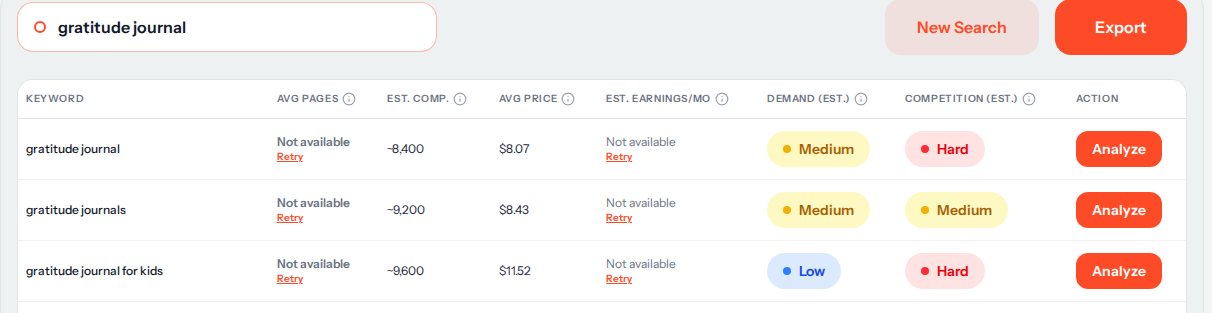
Real results for "gratitude journal". Rows that could not load show Not available and a Retry link. 5.Pick your keywords
Look for keywords with Medium or High demand and Easy or Medium competition. Low demand with Hard competition is the one to skip. The numbers are estimates based on public Amazon data, not exact figures, so use them to compare keywords with each other.
6.Go deeper on one keyword
Click Analyze on a row to run a Competitor Analysis for that keyword (it uses one of your daily competitor analyses). Use Export to download the table as a CSV file.
7.Put your keywords to work
Use your best keywords in your book's title and subtitle, in your description, and in the seven keyword boxes KDP gives you. Keep the wording natural: readers see it too.
All sales, earnings and demand numbers in RankForged are estimates based on public Amazon data, not exact figures.
More help
Next guides
- Competitor analysis workflow
See the top competing books for a keyword and what is working in your niche.
- Amazon Ads keyword expansion
Collect Amazon suggestion keywords and matching books for your Amazon Ads keyword list.